Connect your iPhone
Use a USB cable, unlock your iPhone and choose Trust when prompted.
 iHunter
A little clarity. A fresh start.
Find email addresses in accessible iPhone data with a simple USB connection. A focused app for Mac and Windows.
No backup required. Results appear as they are found.
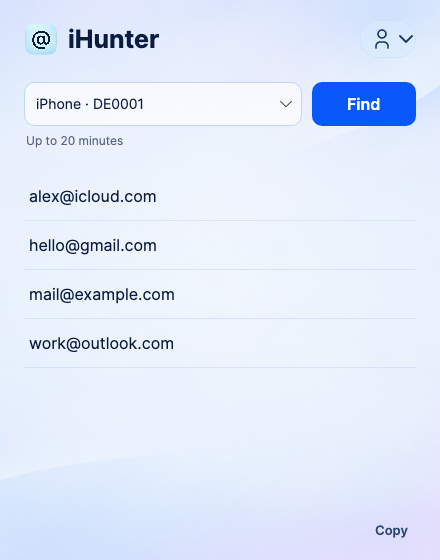 A small window. Just the addresses you need.
From connected to collected
Use a USB cable, unlock your iPhone and choose Trust when prompted.
Start a scan. Available addresses appear along the way, with a limit of 20 minutes.
A clean list, ready to copy. No technical logs or complicated settings.
Your pace. Your plan.
A time-based pass for ongoing use, or credits for individual iPhones. One-time purchases, with no automatic renewal.
Create your account now. Available plans and prices will appear here when purchasing opens.
Create an accountSecure payment through Esthetic Merchant and Stripe. Your computer is linked to your account; contact support if it changes.
Good to know
No. Results depend on what your iPhone and iOS make available. App download accounts can differ from the Apple Account currently used for iCloud.
No. It checks accessible app metadata and other supported USB sources. It does not bypass iPhone security or unlock private app storage.
Mac with Apple Silicon or Intel, and Windows x64. Mac requires libimobiledevice; Windows requires a working Apple Devices connection.
The app sends extracted email candidates to the iHunter server over HTTPS for processing. It does not upload full phone logs or backups.